
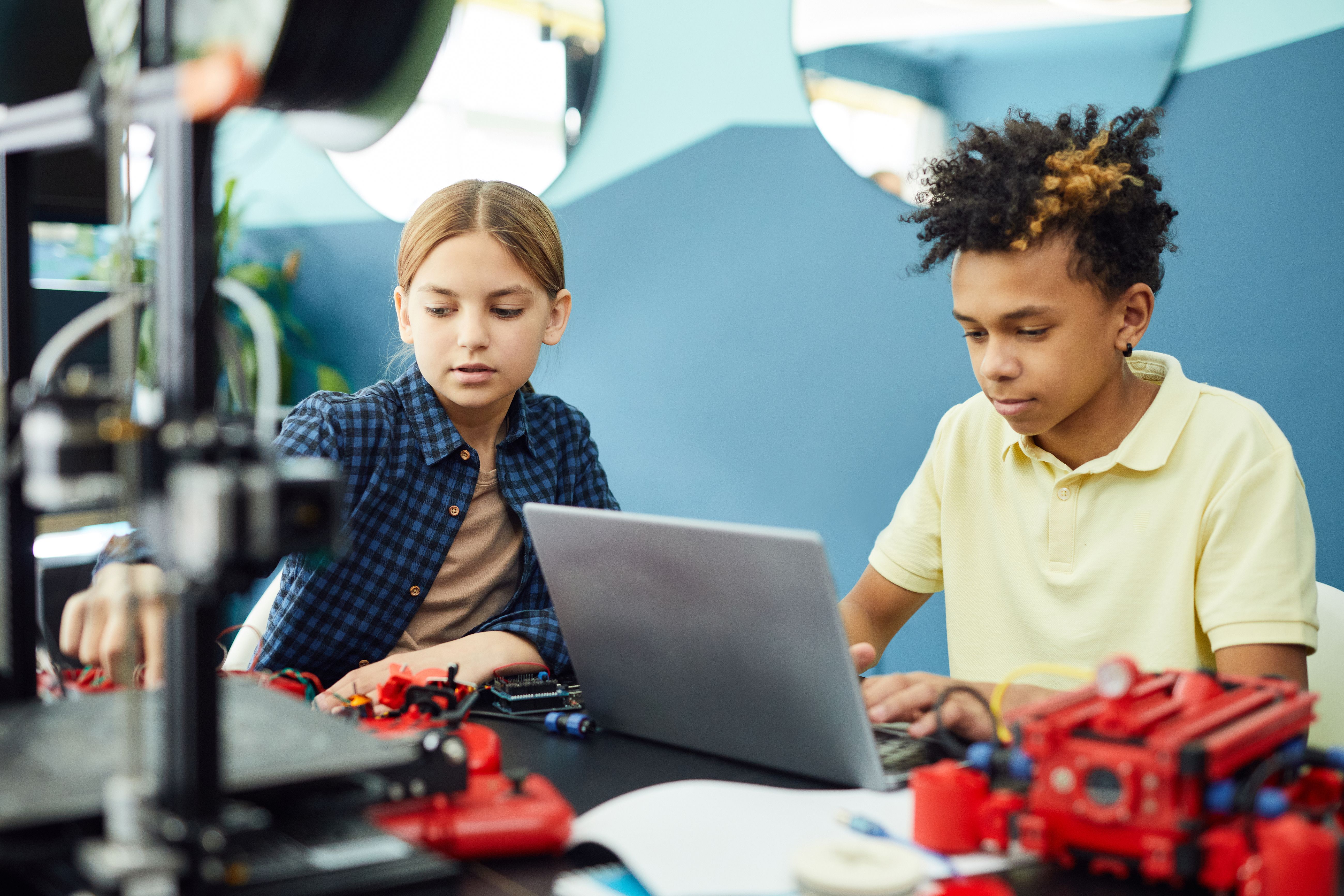
Scratch to Python: Coding Classes for Kids in The Woodlands
Explore coding classes for kids in The Woodlands, from Scratch and Python to real Arduino robotics projects. Discover hands-on learning at LearnToBot.
Parents searching for coding classes for kids in The Woodlands often ask an important question: should their child start with Scratch, Python, or robotics? The best starting point depends less on the programming language and more on whether the child can explore ideas, make mistakes, and see how code changes the world.
At LearnToBot, children ages 6–18 develop coding skills alongside hands-on engineering. That means a child might begin by sequencing commands, then progress toward programming a sensor-powered robot—not just completing exercises on a screen.
Scratch vs. Python: What Should Kids Learn First?
Scratch uses visual blocks that fit together like puzzle pieces. This reduces the challenge of typing complicated syntax so beginners can focus on the logic behind a program. Children can create animations, games, and interactive stories while learning sequences, loops, variables, and conditionals.
Python is a text-based programming language used in fields ranging from automation to data science and artificial intelligence. When students already understand basic coding logic, Python can offer a useful next step toward larger projects.
Neither option is automatically best for every age. A curious eight-year-old with prior experience may enjoy writing code, while an older beginner may benefit from blocks first. What matters is steady progress and meaningful practice.
Why Add Real Robotics to Coding Lessons?
Typing a program is one kind of challenge. Using that program to operate a physical device introduces a new kind of learning.
With an Arduino-compatible controller, breadboard, motor, or ultrasonic sensor, students can see the relationship between code and physical action. Consider a Smart Tollway project: a distance sensor detects an approaching toy car, and the program commands a servo motor to lift a gate.
Students must answer practical questions: How close should the car be? What happens if the sensor reading changes? Why isn't the gate moving? These are opportunities to practice measurement, testing, debugging, and logical reasoning.
LearnToBot also offers hands-on projects such as RC Explorer robots, Car Racing Games, custom controllers, and Heavy Lift Cranes. Different projects can emphasize different concepts, from user input and feedback to motors and mechanical movement.
A Learning Path From First Code to AI
A strong robotics and coding program should grow with the learner rather than repeat similar activities indefinitely.
Starter: Ages 6–8
Young beginners investigate circuits, lights, buttons, and foundational coding concepts. A blinking LED or simple motor project helps connect an instruction with a visible result.
Builder: Ages 9–11
Students explore Arduino basics, sensors, motor control, and more involved logic. A rover that reacts to an obstacle turns an if statement into something children can watch.
Creator: Ages 12–14
Older students can move into wireless controls, autonomous behaviors, and more advanced programming. They begin balancing hardware, software, and mechanical choices when solving problems.
Master: Ages 15–18
Experienced learners can investigate Python, computer vision, AI concepts, and engineering portfolio projects. For example, an introductory OpenCV activity might detect an object in a camera image, opening a discussion about how machine perception differs from human vision.
Individual progress varies, and age bands should guide instruction rather than limit curiosity.
What Makes LearnToBot Different?
Families comparing robotics classes for kids in Houston or coding classes in The Woodlands should look beyond a list of programming languages.
LearnToBot focuses on real electronics and real code, with a 1:5 instructor-to-student ratio that supports more individual attention. Students build working projects with hardware such as controllers, wires, sensors, and motors, and they can take home the robots they build at no additional charge.
That take-home experience makes it possible to demonstrate a project to family members, experiment again, and ask new questions between classes. Families can also explore weekly lessons, seasonal camps, and school-based programs where available.
Three Questions to Ask Before Enrolling
When choosing a STEM program in Greater Houston, ask:
- Will my child create something independently? Look for opportunities to modify projects rather than simply follow instructions.
- How does the program handle mistakes? Debugging should be a normal part of learning, not a reason to feel discouraged.
- What's the next step? Ask how the curriculum progresses from beginner logic into Python, robotics, or AI.
The goal is not simply to learn one language as quickly as possible. It is to build the confidence to understand a problem, design a solution, test it, and keep improving.
Try a Real Robotics and Coding Class
Whether your family is in The Woodlands, Katy, Cypress, Sugar Land, or elsewhere in Greater Houston, LearnToBot can help you explore a hands-on path from first code to working robots.
Book a free 45-minute trial class and see how your child responds to building and coding real technology. You can also explore the LearnToBot website for programs and project examples.